How AirOne MRO runs a Part 145 shop, from receiving to release.
Every stage of the job sits in one system, and the records an auditor asks for are kept as the work happens.
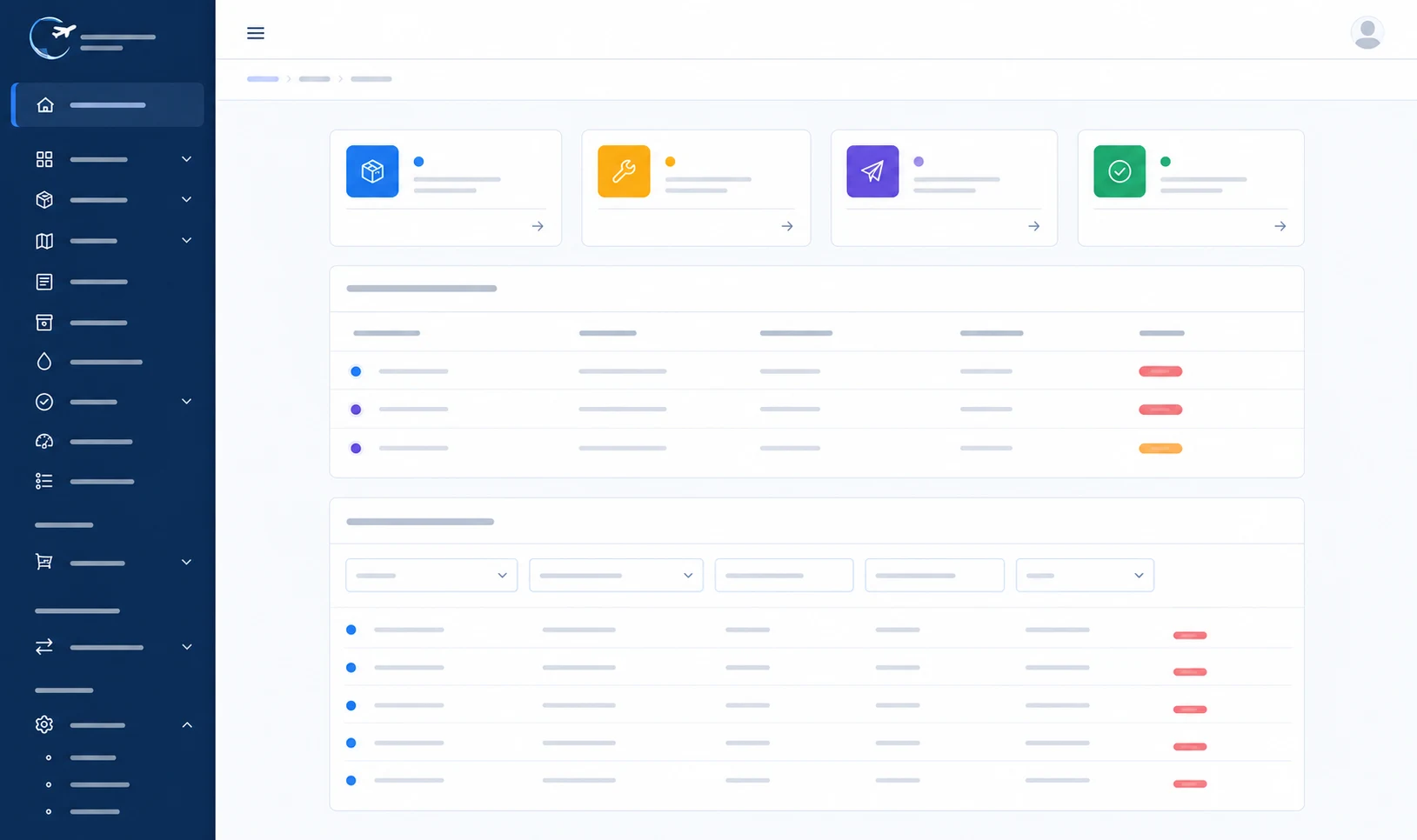
You know exactly where every wheel is.
Most independent shops run on paper and spreadsheets. It works — until it doesn't, and audit week arrives.
Today
- Job cards on paper, findings in an Excel file
- Stock counted manually, shortages found too late
- Calibration dates in an Excel file
- Certificates in a folder, somewhere
- One person who knows where everything is
- Audit week spent digging through records
With AirOne MRO
- Every job tracked from receiving to shipping
- Findings recorded at inspection, against the part
- Stock levels, shelf life, and reorder alerts
- Calibration enforced before a tool can be used
- Certificates attached to the serial number
- Audit records exported in one click
Built around how a wheel shop actually works.
Not a generic system bent to fit. Every stage below exists because a real shop needed it, in the order the work really happens.
Receiving
Log the part in, create the customer, part number, and serial record on arrival.
Preliminary inspection
Confirm the fault before anything else happens. Findings recorded against the part.
Work order
Raise the job with the scope agreed and the history already attached.
Job tasks
Task-level tracking with engineer sign-offs and inspection stages.
EASA Form 1 / 8130-3
Generate the release certificate from the work that was done.
Shipping
Close the job, pack the paperwork, and keep the full record.
Everything a shop needs.
No modules you'll never open, no consultants required to switch something on. The features below are in the product today, ready to use from day one.
Inventory & stock management
Stock levels, min and max thresholds, reorder alerts, batch and lot tracking, and shelf-life control for consumables — so you find out about an expired O-ring before the job, not during it.
Read moreTool calibration tracking
A live register of every calibrated tool, with due-date alerts and certificates on file. Out-of-calibration tools are blocked from job tasks automatically.
Read moreParts traceability
Full serial-number history with incoming certificates attached to the part, build-up records, and a complete audit trail you can export in one click.
Read moreWork order & job task management
Task-level sign-offs by engineer, inspection stages, dual-inspection points, and a live view of what's in every bay.
Read moreCertification & documents
EASA Form 1 and FAA 8130-3 generation with dual-release support, a searchable document archive, and revision control on every form.
Read moreAutomated backups & data protection
Daily encrypted backups with point-in-time recovery. Your data is yours — export it whenever you want.
Read moreReporting
Turnaround time, shop workload, scrap rates, and audit-readiness — the numbers you're currently working out by hand.
Read moreCustomer portal
Your customers send work requests, follow every job, message your team with files attached, approve quotes line by line, and download their own certificates — without emailing you for an update.
Quotes & customer approval
Quotes built from inspection findings and your standard prices, with revisions and an internal review. The customer accepts or declines each line, and the hold on the job lifts when they answer.
Invoicing & e-invoicing
Invoices, credit notes, payments and statements in more than one currency, with payment reminders and overdue tracking. E-invoices come out as EN 16931 XML, in RO CIUS or Peppol BIS 3.
Time tracking
Engineers run a timer against the job and the task, or fill in a weekly timesheet. A supervisor approves it, and every work order shows quoted, logged, and billable hours side by side.
Never fail an audit over an out-of-cal torque wrench again.
Coming next
Vendor management
Approved vendor list, certifications and approval expiry, purchase orders, receiving against purchase orders, and vendor history.
Accounting export
Send invoices and payments straight to your accounting package instead of retyping the totals.
AI assistance
Findings drafted from your own history, turnaround times predicted from live workload, and manual references found in seconds — always with an engineer signing off.
Audit-ready is the default, not a project.
Your records are the product as much as the wheel is. AirOne MRO is built so the paperwork holds up when an auditor asks — without anyone digging through folders.
Part 145 workflows
Built around FAA Part 145 and EASA Part-145 practice, with the inspection stages, sign-offs, and record-keeping the regulations expect.
EASA Form 1 and FAA 8130-3
Release certificates generated from the work performed, with dual-release support and revision control on every document issued. Designed around Murphy's law — if something can go wrong on a release, the system catches it before the signature does.
Full traceability
Every part carries its history — incoming certificates, work performed, who signed for it, and when. Exportable as a complete audit trail.
Records that survive a bad day
Your maintenance records are fireproof and hacker-proof: held off-site, encrypted, backed up daily, and recoverable — so your record-keeping obligations are covered even if a machine dies on the shop floor.
Data security
Encrypted in transit and at rest, with role-based access control so engineers, inspectors, and office staff see what they should. SOC 2 readiness is on our roadmap.
Where your data lives
Hosting in the EU or the US, so data-residency questions have a straight answer.
Live in weeks, not quarters.
The reason most shops stay on spreadsheets isn't the software — it's the thought of moving. We do that part with you, and it's included.
-
Step 1
Data import
We take your spreadsheets, or an export from your current system, and bring your parts, customers, and tools across.
-
Step 2
Configuration
We set the system up around your workflow, your tasks, and your forms — not a template.
-
Step 3
Parallel run
Run both systems side by side until you trust it. No one flips a switch and hopes.
-
Step 4
Go live
Your team is trained, your records are in, and your old spreadsheets become a backup you never open.
-
Step 5
24/7 support
IT support around the clock, plus aviation technical support from people who overhaul wheels and brakes themselves.
Custom development
If your procedure is different, we build to it.
No two Part 145 organisations run identically — your exposition, your forms, your inspection stages. Rather than asking you to bend your procedures to the software, we develop the software to match them, inside what EASA Part-145 and FAA Part 145 allow.
Your forms, your wording
Job cards, inspection sheets, and release documents rebuilt to match your approved templates — not a generic layout with your logo on it.
Workflows to your exposition
Inspection stages, dual-inspection points, and sign-off authority configured the way your manual describes, so an audit finds what it expects.
Integrations on request
Accounting exports, customer systems, or a report only your CAMO asks for — scoped, quoted, and built with the regulation checked first.
Questions shops actually ask.
We're already on another MRO system. Can we move?
Yes. We import your parts, customers, tool register, and history, then run both systems in parallel until you're confident. Migration is part of onboarding, not a separate project.
Does it produce EASA Form 1 and FAA 8130-3?
Yes, both, with dual-release support. Certificates are generated from the work recorded against the job, so the paperwork matches what was actually done.
How does it handle tool calibration?
Every calibrated tool sits in a register with its due date and certificate. You get alerts before dates expire, and the system won't let an out-of-calibration tool be signed off against a job task.
What happens to our data — can we get it out?
Always. Your records are exportable at any time, in full. We also run daily encrypted backups with point-in-time recovery.
Can our customers check on their jobs themselves?
Yes. The customer portal lets them send work requests, follow every job, message your team, approve quotes line by line, and download their certificates. You choose which of their people get access and which of them can approve quotes.
How long does implementation take?
Weeks, not quarters. The timeline depends on how much history you're bringing across, which we'll size honestly once we've seen it.
Who's behind this?
V1AeroSolutions (opens in a new tab), an aircraft wheel and brake shop, together with CodeFlow (opens in a new tab). The software was built inside a working shop and is used there every day.
Want to see how it fits your shop?
Tell us your team size and we'll get back to you within 24 hours.